Optimizing core web vitals with Amplitude’s Global Agent
Get faster insights for improving your site’s user experience and SEO rankings with Global Agent

Your pages are slow, and users leave before your content loads. Google notices too. Core Web Vitals—Largest Contentful Paint (LCP), Interaction to Next Paint (INP), and Cumulative Layout Shift (CLS)—directly affect both user experience and search rankings. If you’re not monitoring them alongside real user behavior, you’re guessing at what to fix.
Amplitude Web Vitals connects your site’s performance scores to actual user sessions, so you see exactly where pages break down and who gets affected. Pair it with Global Agent, and you can diagnose issues, prioritize fixes, and pull up Session Replay evidence using plain-language prompts instead of building charts from scratch.
How it works: Three prompts, zero chart-building
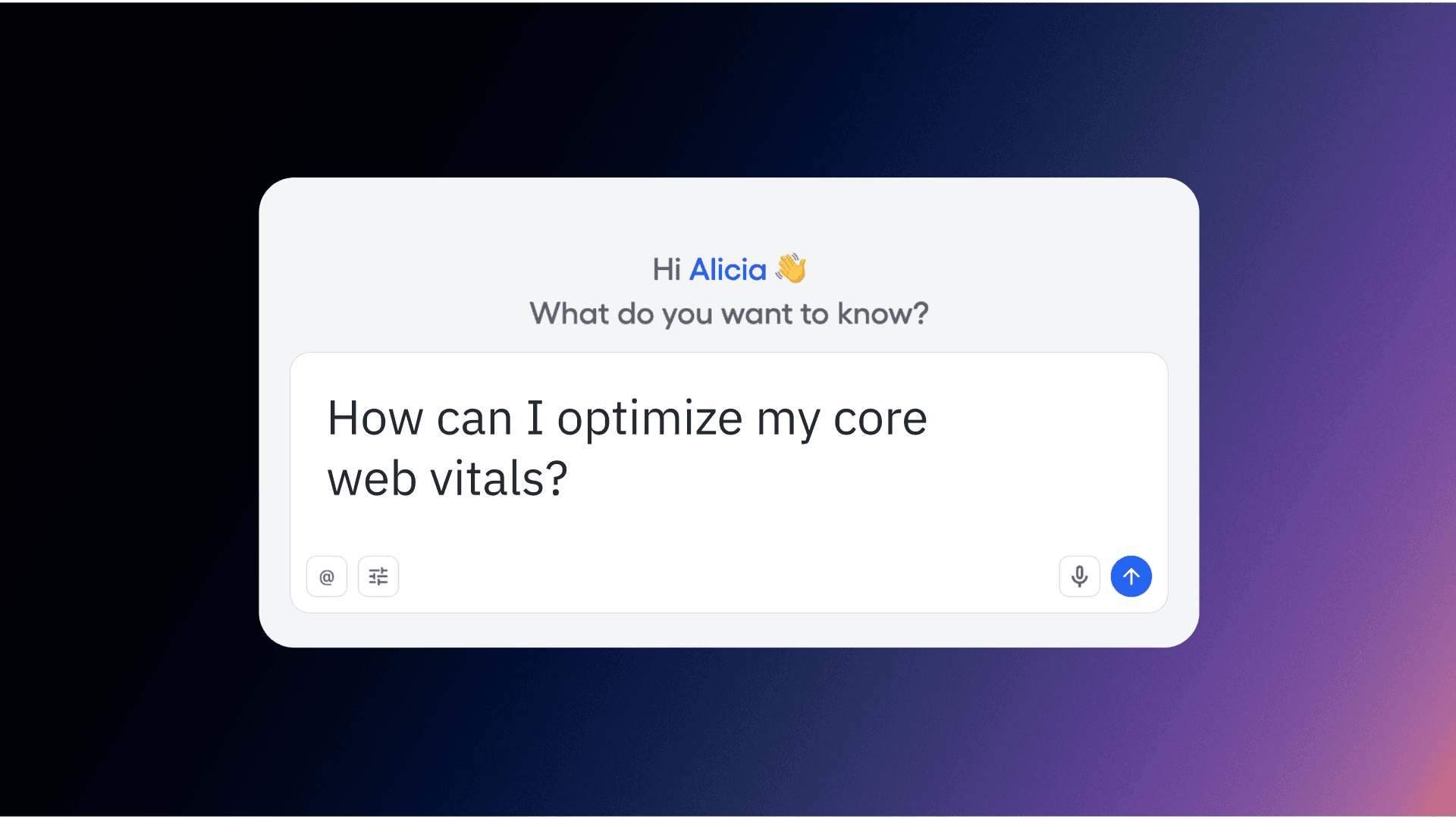
Global Agent is Amplitude’s AI-powered assistant that answers questions about your data in natural language. Instead of configuring charts and filters manually, you type a question and get back analysis, visualizations, and direct links to sessions. Here's what that looks like for Core Web Vitals.
“How are Web Vitals looking this month?”
I asked Global Agent this question about my demo site, Amplifile. It pulled 617 Web Vitals observations from the month to date, identified my highest-traffic pages (/Dashboard.html, the home page, /sign-in.html), and generated a daily trend chart broken down by page. It also caught a traffic pattern: visits peaked March 3-4, dipped over the weekend (normal for a B2B product), and rebounded March 11.
That’s a site-wide performance snapshot from a single prompt. No chart configuration, no filter setup, no waiting on an analyst. While the trend was acceptable, Global Agent took it further by suggesting what to look into next.
“Show me which pages have poor Core Web Vitals scores”
Global Agent filtered to only poorly rated LCP, INP, and CLS events and grouped them by page. The home page was the biggest CLS offender with 17 poor events. /Dashboard.html had the most LCP issues at 10 poor events. INP was relatively contained across all pages.
More importantly, Global Agent handed back a prioritized list of pages to fix first, ranked by severity and traffic volume. That's the difference between “something feels off” and a ranked backlog your engineering team can act on today.
“Pull Session Replays from poor CLS sessions on home page”
Because I have Web Vitals and Session Replay consolidated in Amplitude, Global Agent found 10 sessions with poor CLS scores on the home page and returned a table with dates, session durations, and direct replay links. I opened the most recent one: a 30-minute session from March 12. The visitor was a new organic user in San Francisco on Chrome 144. In the replay, content visibly jumped as the page loaded, pushing buttons and text out of position.
Several of those sessions were under a minute, which Global Agent flagged as likely bounces caused by the layout shift. That’s the kind of connection that’s almost impossible to make with performance data alone. You need to see what the user saw so that you can validate the issue and describe the pain point to your engineering team. This gets you there without filing a ticket or switching tools.
What each prompt surfaces
|
Prompt |
What you get |
Why it matters |
|---|---|---|
|
How are Web Vitals looking this month? |
Site-wide performance snapshot with daily trends by page and traffic patterns |
Baseline understanding without building charts or configuring filters |
|
Show me pages with poor Core Web Vitals |
Prioritized list of underperforming pages grouped by LCP, INP, and CLS |
Engineering gets an actionable backlog ranked by severity and user impact |
|
Pull Session Replays from poor CLS sessions |
Direct links to real user sessions showing the layout shift in action |
Connect quantitative performance data to qualitative visual evidence |
Start diagnosing your site’s performance
Web Vitals, Session Replay, and Global Agent work together in Amplitude to connect performance scores to real user behavior. You don’t need a separate monitoring tool, a separate session replay tool, and a separate analytics platform.
Ask Global Agent about your Core Web Vitals and see what comes back. If you’re not on a plan that includes Web Vitals yet, explore Amplitude’s AI Agents to see the full capability set.

Alicia Chang
Product Marketing Manager
Alicia is a Product Marketing Manager at Amplitude, focused on helping marketing teams get the most out of their AI and analytics. She helps brands learn how Amplitude's AI agents and built-in actionability turn data into personalized, automated, and better converting customer journeys.
More from AliciaRecommended Reading

Lessons from consolidating our MCP server
Oct 6, 2026
10 min read

What AI engineers do in the age of agentic code
Oct 1, 2026
14 min read

An analysis of Jev: Faster and cheaper, but watch the accuracy
Sep 28, 2026
13 min read

Your agent isn’t broken. It’s guessing.
Sep 23, 2026
6 min read