Agents write code. Fixing it is still on you.
Two MCP workflows to investigate bugs in Claude or Cursor, and fix the ones you used to skip

This blog was co-authored by Eric Kim, Head of Engineering, Agents at Amplitude.
Agents are writing more code than ever, but when something breaks in production, the investigation looks the same. You’re pulled away from the feature you’re shipping to investigate the bug report in Linear, check logs in Datadog, and comb your session replay tool to figure out what went wrong.
Amplitude MCP brings all of that session data directly into Claude and Cursor, so the investigation happens in the same place where your agent will write the code. Now the bugs you used to skip become ones you can actually fix.
Investigate bugs in real time
You get an urgent bug report in Jira or Linear and it’s time to investigate the fix. With Amplitude MCP, you can call Session Replay directly in Claude or Cursor. Here’s what it looks like.
First, describe the bug in plain language (e.g., “Users are having trouble checking out, what’s going on?”). The right skill triggers automatically based on what you ask:
- If you already have a concrete starting point, like a user report or a specific error name, the debug-replay skill can reproduce it.
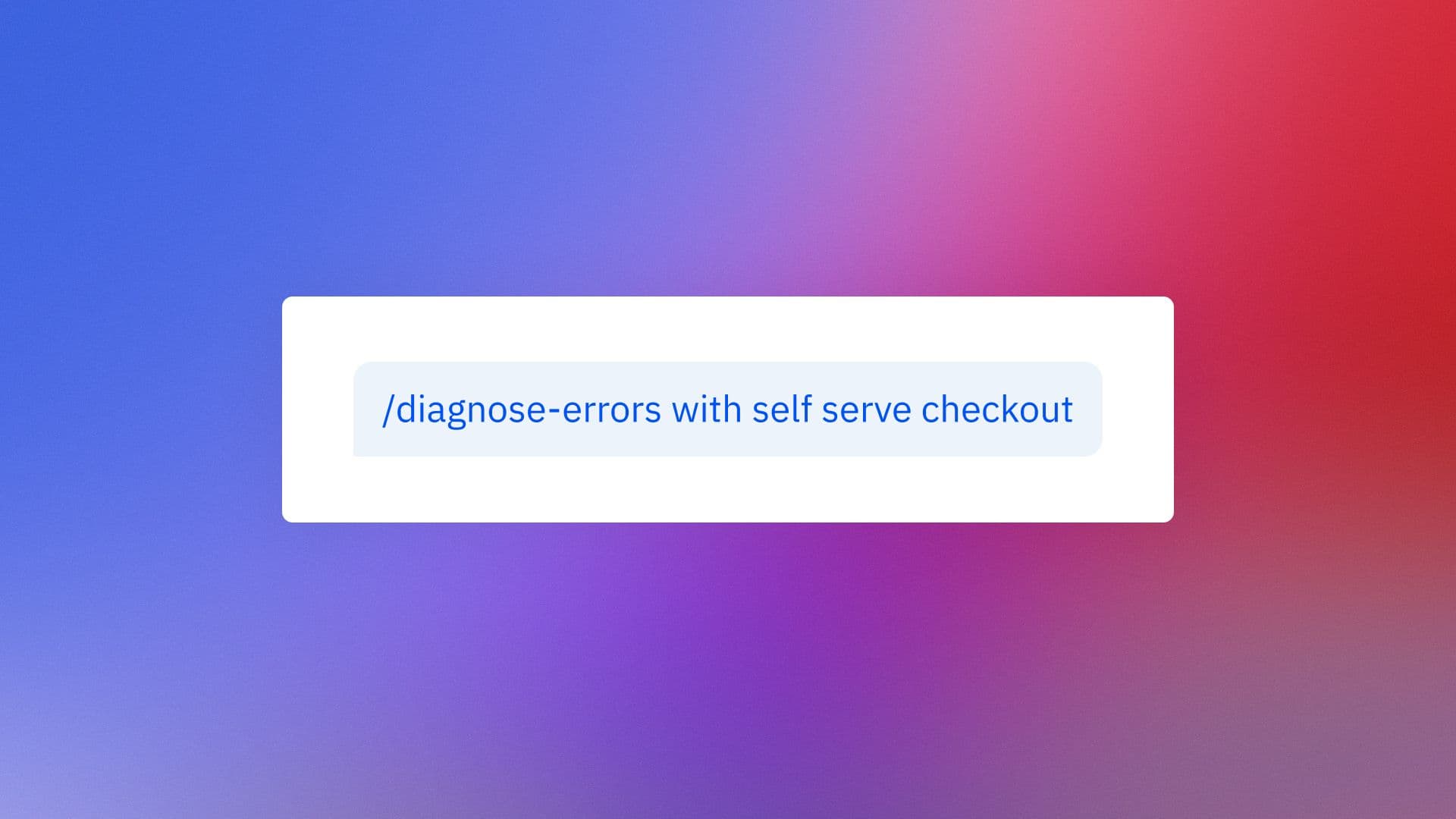
- If you only have a vague issue, like “the checkout flow doesn’t work,” then diagnose-errors can figure out what’s broken.
- If you want a reliability check across sessions, monitor-reliability will trigger.
If your team has instrumented events to monitor for the specific errors and issues the bug is related to, then these skills will orchestrate a workflow, so you don’t have to go through each step manually.
If you’re still having trouble reproducing the bug, or if you want more control over the investigation, try these tips to narrow down the cause:
- Find the sessions where the bug happened. get_session_replays retrieves candidate sessions matching an error, user, time window, or event, including specific error events your app has instrumented.
- See what the user actually did. get_session_replay_events extracts the full interaction timeline, including every click, event, and console error.
- Correlate with deployments. get_deployments checks whether the bug aligns with a recent release.
Diagnostic information is helpful, but visualizing the bug can help you validate and add more detail to your investigation. Ask your agent to “Find the session where the bug happened,” and narrow it down by user email, time, and date. The replay will render directly in Claude or Cursor, confirming what’s broken so the agent can write the fix.
Investigating and reproducing a bug used to be the slow part of fixing it. Now, what took half a day of context switching happens in a single session in a single tool.
Your bug investigation cheat sheet
|
Use this… |
For this… |
|
“How do I reproduce this bug?” |
|
|
“Find replays where users hit this error.” |
|
|
“Show me what happened in this replay.” |
Catch friction before it becomes a ticket
Not every bug starts as a Linear ticket or an urgent Slack message. Sometimes, the bug never shows up at all, and users leave without saying a word. Proactively spotting these instances of friction and failure protects your users from frustration and churn.
Amplitude’s session replay agent runs in the background to continuously watch user sessions and surface these patterns before they show up in your queue. It regularly reviews sessions, flags friction signals, and posts a weekly summary to Slack.
When you notice a new friction pattern emerging, you can pull the agent’s report directly into Claude or Cursor to investigate and fix the issue. Use get_agent_results to return the agent’s analysis: a narrative summary of the friction, the pattern type, representative session IDs, impact framing, and recommended next steps. Now you’re no longer starting from a blank page.
Next, validate the pattern with actual sessions. Use get_session_replay_events to pull the events and see the interaction timeline, or ask your agent to find and render the relevant replays directly in Claude or Cursor.
Once you’ve validated the issue, decide if it needs a fix now. Some issues are worth pulling into your backlog but don’t need a same-day fix. And if it’s urgent, the agent already has the context loaded to ship the fix.
Use this workflow to get ahead of issues before they become a fire drill or lead to invisible customer churn.
Fix the bugs you used to defer
Debugging used to mean leaving your code to investigate: pulling data logs, finding the right session, and scrubbing through replays. The investigation often took longer than the fix itself.
These workflows fix that. The urgent bug lands in your inbox, and the investigation happens in the same place where your agent writes the code. The friction pattern surfaces in Slack, and you pull the agent’s analysis straight into Cursor or Claude.
The point of these workflows isn’t just faster debugging. It changes what bugs get fixed at all. If investigation takes an hour, you’re only ever prioritizing the highest tickets in your queue. If it takes ten minutes, you can work through a class of bugs you used to always defer.
Agents write your code. With these workflows, they can help fix it too.

Chanaka Perera
AI Engineer, Amplitude
Chanaka is an AI Engineer at Amplitude, where he’s building the MCP server that brings Amplitude’s behavioral context directly into your AI tools.
More from ChanakaRecommended Reading

Your agent isn’t broken. It’s guessing.
Sep 23, 2026
6 min read

Bring headless Amplitude where you work
Sep 16, 2026
3 min read

Should I install the Amplitude SDK?
Sep 15, 2026
4 min read

Amplitude climbs to #3 in G2 Digital Analytics Momentum
Sep 15, 2026
10 min read